2.2. Logging in to the System
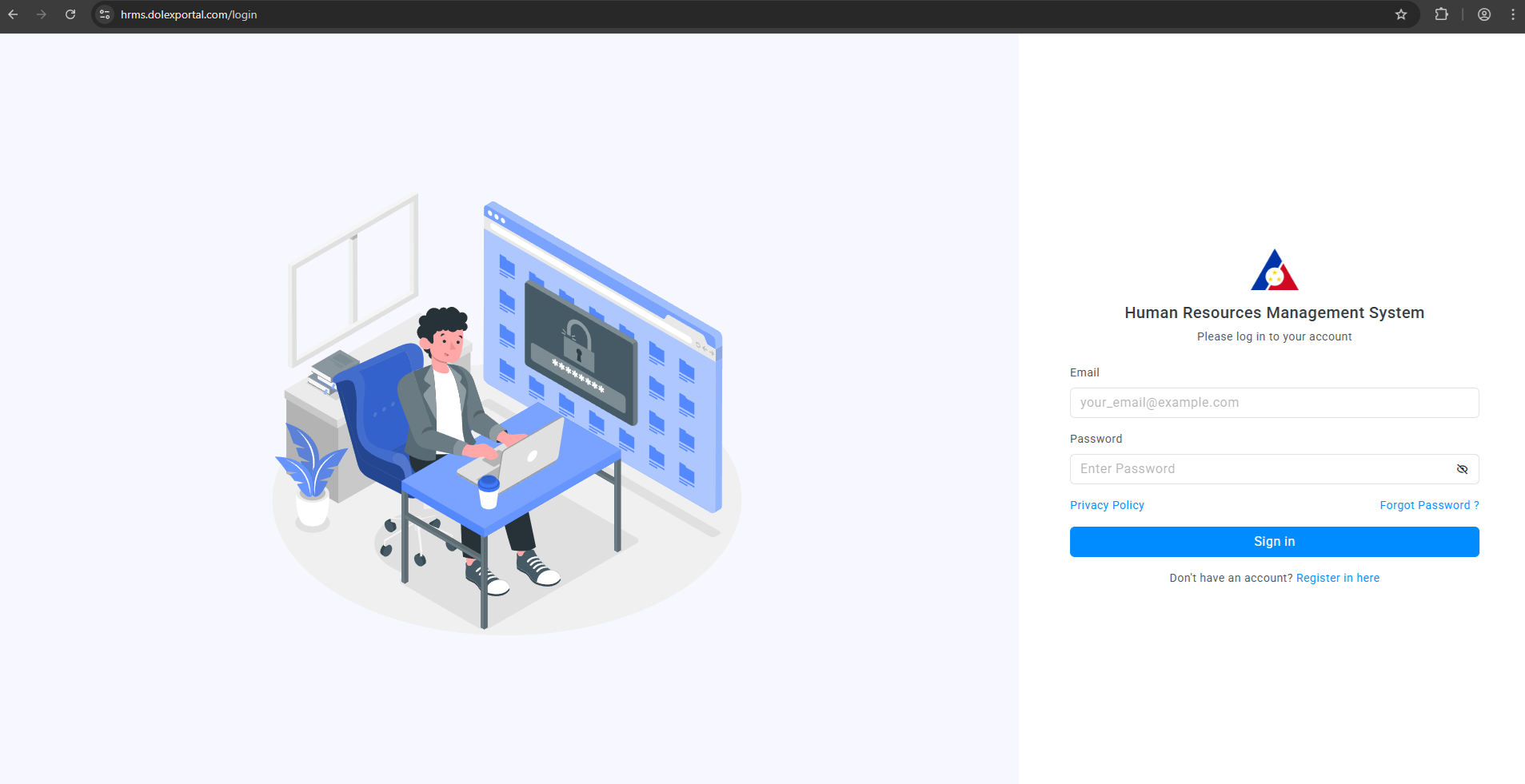
After securing an account from HR Unit, you may proceed in logging in to the system thru the link below:
https://hrms.dolexportal.com/login
Input provided email address and password.
After successful login, you will be directed to the dashboard of the Human Resource Management System
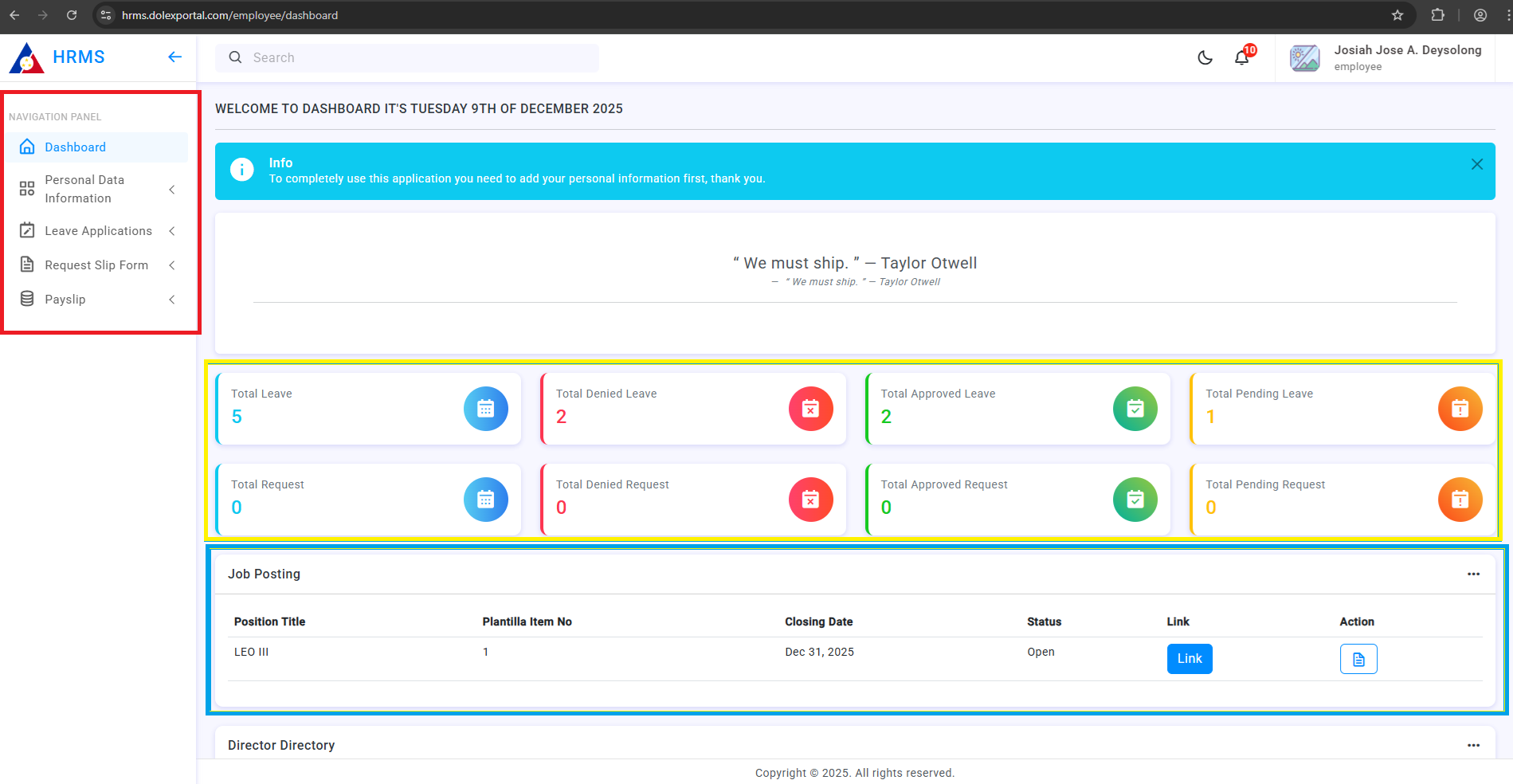
Section highlighted with blue table displays the current job vacancies of the Regional Office, this is updated regularly by the HR unit. Section highlighted with yellow show the data such as Leave applications and Request applications filed by the employee. Section highlighted with red displays the navigation dock of the system. In the navigation dock section is grouped by:
1. Personal Data Information - Contains the updated and relevant personal details of the employee
- Basic Information
- Family Background
- Children (*if any)
- Educational Background
- Elibilities
- Work Experience
- Voluntary Work
- Training
- Special Skills & Hobbies
- Other Information
2. Leave Applications- Contains the details of filed leave and for leave application module
- Leave Table
- File Leave
3. Request Slip - Contains the details of filed request (Certificate of Employment, Request to borrow, etc.) and for request application module
- Request List Table
- File Request
4. Payslip - Updated and latest payslip shall be uploaded by the HR Unit in this segment
5. Tutorial - Contains the updated tutorial for the HRMS (All tutorials for future enhancements of the system will be posted here)
User Information details were referenced from the Civil Service Form 212 (PDS)